- Published on
9 Best Free DocuSign Alternatives in 2026 (Tested and Compared)
- Authors

- Name
- Ayush Garg
- @01ayushgarg
The best free DocuSign alternative depends on how your business signs. If you just want a simple e-signature tool without the intensity of a full platform, SignWith is the strongest pick because it charges per document instead of per month. If you sign constantly and need templates and integrations, SignWell or Dropbox Sign give you unlimited documents from about $10 a month. If you want to own your data, the open-source tool Documenso is free to self-host. This guide compares all 9 on real 2026 pricing, verified user ratings, and the trade-offs that actually matter.
TL;DR
- Want simple e-signing with no subscription? SignWith gives 3 signatures free every month, then charges per document (no monthly fee).
- Need unlimited documents cheaply? SignWell or Dropbox Sign, from about $10 a month.
- Want to self-host and own your data? Documenso is open source and free to run yourself.
- Biggest free tier? BoldSign gives 25 free envelopes a month.
- Why leave DocuSign at all? Not the signing. The subscription: envelope caps, overage charges, and auto-renewals.
Key takeaways
| Tool | Best for | Free tier | Starting paid price | Verified rating |
|---|---|---|---|---|
| SignWith | Businesses that want simple e-signing, no overhead | 3 signatures/month | $9 for 10 credits (no monthly fee) | Pay-per-document |
| Dropbox Sign | Polished signing + Salesforce/Dropbox users | 3 requests/month | $10.05/mo (annual) | G2 4.7 (2,266) |
| SignWell | Cheapest unlimited-document signing | 3 documents/month | $10/mo (annual) | G2 4.8 (442) |
| Signaturely | Simple, no-frills small-team signing | 1 request/month | $25/mo | G2 4.8 (585) |
| Documenso | Developers wanting a modern open-source stack | Self-host free | $25/mo cloud | PH 5.0 (13) |
| BoldSign | Developers and API-first teams on a budget | 25 envelopes/month | $5/user/mo | G2 4.7 (~270) |
| PandaDoc | Sales proposals and quotes, not just signing | 60 documents/year | $19/seat/mo (annual) | G2 4.7 (3,436) |
| Foxit eSign | Compliance-heavy signing in the Foxit PDF stack | Free tier | ~$10/mo (annual) | G2 4.6 (1,479) |
| Adobe Acrobat Sign | Teams already inside Adobe Acrobat | 30-day trial only | $19.99/mo (annual) | G2 4.4 (1,056) |
Ratings verified on G2, Capterra, and Product Hunt in June 2026. Prices are current 2026 list prices and may change.
Table of contents
Why people look for a DocuSign alternative
DocuSign is the category leader and a capable product. It still scores 4.5 out of 5 on G2 across roughly 2,594 reviews. But its negative reviews cluster around a few specific, recurring problems, and those problems are exactly why people search for something else.
- Auto-renewal and a strict no-refund policy. Annual plans renew silently. On Trustpilot, where about 75% of DocuSign's ~1,168 reviews are 1-star, the dominant complaint is being charged for a renewal they did not want. (Trustpilot)
- Hard to cancel. Cancellation is buried in account settings. One customer reported telling the help line three times that they wanted to cancel and still could not. (Trustpilot)
- Expensive for low volume. Roughly 1 in 4 critical G2 reviews cite price. The Personal plan is $11/month but caps you at 5 envelopes per month. (G2)
- Envelope limits and overage charges. Standard and Business Pro cap sends at 100 envelopes per user per year. Go over and you are billed per envelope. (DocuSign Community)
- Voided envelopes still count. A Capterra reviewer noted that voided, never-completed envelopes were deducted from their annual allotment. (Capterra)
- Renewal price hikes. Reviewers describe per-user rate increases of 15% to 20% at renewal, sometimes for seats belonging to employees who had already left. (Trustpilot)
- Slow support on billing disputes. Long phone waits and unresponsive tickets are a recurring theme. (G2)

The pattern is clear. The complaints are not about whether DocuSign can sign a document. They are about the subscription model wrapped around it: recurring fees, volume caps, overages, and renewal friction. That is the gap every tool below tries to fill.
What to look for in a DocuSign alternative
- Pricing model. Subscription, pay-per-document, or open-source. Match the model to your volume.
- Genuine free tier. Some "free" tools give you 1 document a month, others give you 25. A 30-day trial is not a free tier.
- Legal validity. Any tool you pick should produce legally binding signatures with a court-admissible audit trail under the US ESIGN Act and UETA.
- Volume caps and overages. Check whether there is an envelope or document ceiling and what happens when you cross it.
- Templates and reusability. If you send the same NDA or contract repeatedly, template support saves real time.
- Integrations and API. Confirm the integration you need exists on a plan you can afford.
- Data ownership. Regulated or privacy-sensitive teams may need self-hosting, which only the open-source options offer.
Here are the 9 best free DocuSign alternatives in 2026, grouped by pricing model. Each one is broken down below with real pricing, verified ratings, and honest pros and cons.

1. SignWith — best for businesses that want simple e-signing without the overhead
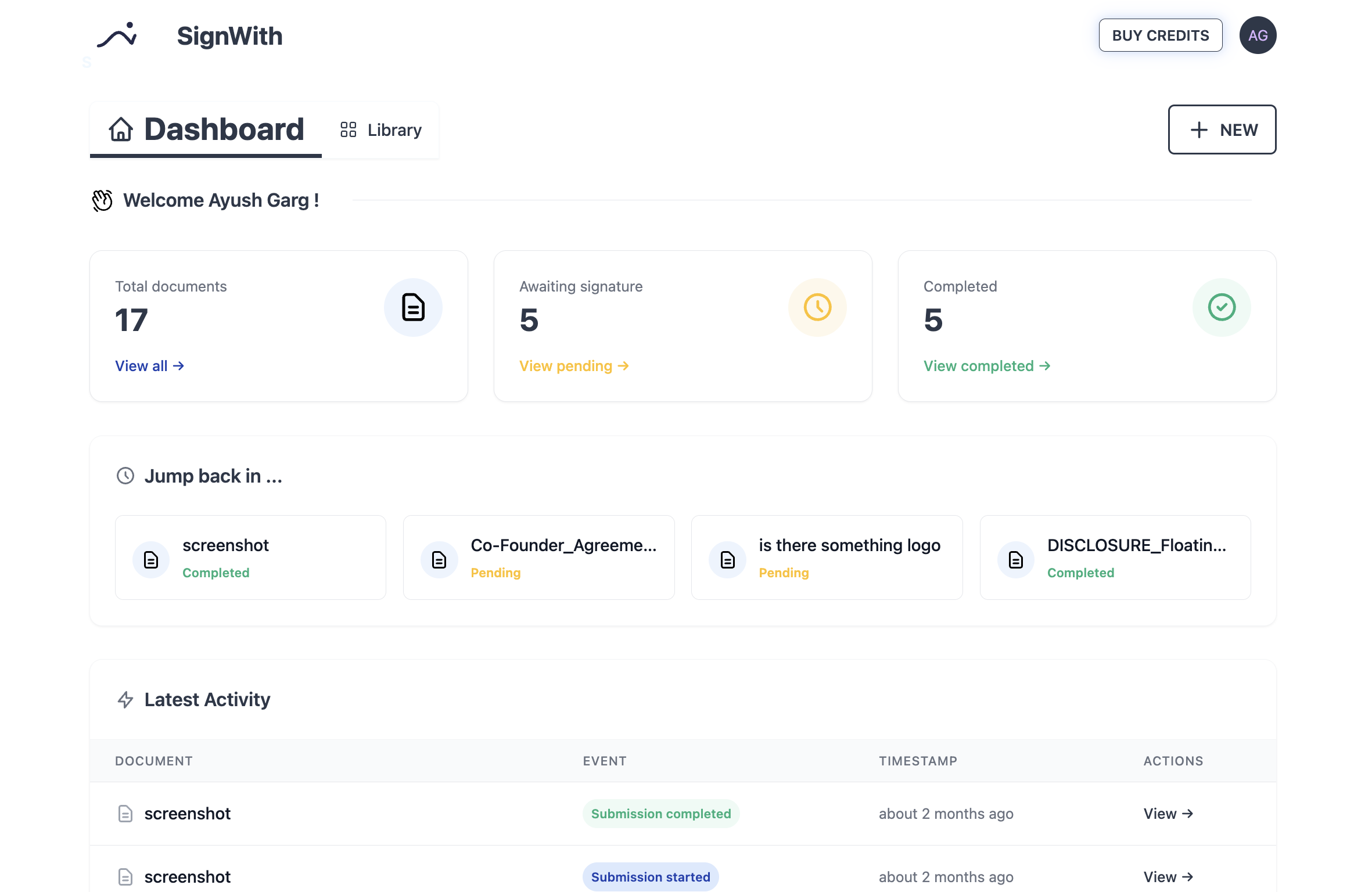
SignWith is built for businesses that just want a simple e-signature tool without the intensity of a full platform. They need to get documents signed, legally and quickly, and do not want a monthly bill, a row of seats, or a workflow engine to manage. Instead of charging per user per month, SignWith charges per document through credit packs, with the first 3 signatures every month free. There are no seats, no envelope caps, and no auto-renewing subscription to cancel later.
That focus is also the trade-off. SignWith is deliberately not a sales-proposal platform or a 50-seat enterprise workflow engine. If you need CRM-deep automation, approval routing, and team management, the tools further down this list fit better. If you run a business that signs NDAs, leases, W-9s, or offer letters and just wants that done without friction, this is the model that stops you overpaying.
Key features: pay-per-document credits with no subscription, 3 free signatures every month, no signer account required, multiple signers with custom signing order, audit-trail logging (IP, timestamp, device), bank-level 256-bit encryption, AWS-hosted storage, PDF and image support.
✅ Pros
- No subscription. You pay only when you actually sign a document.
- Genuinely useful free tier (3 signatures every month, renewing).
- A $149 one-time lifetime option replaces recurring fees entirely.
- Signers do not need to create an account, which speeds up completion.
⚠️ Cons
- Built for simplicity, so it intentionally skips heavy team workflows, CRM automation, and proposal building.
- Fewer native integrations than incumbents like Dropbox Sign or PandaDoc.
- Credits expire after 12 months, so buy the pack size that matches your real volume.
Pricing (2026):
| Plan | Price | What you get |
|---|---|---|
| Free | $0 | 3 signatures / month |
| 10 credits | $9 | $0.90 per signature |
| 25 credits | $19 | $0.76 per signature |
| 50 credits | $29 | $0.58 per signature |
| Lifetime | $149 one-time | Unlimited signatures |
Compliance: SignWith is compliant in the US with ESIGN/UETA.
Best for: Businesses that want simple, legally valid e-signing without the intensity of a full platform.
Practical rule: If you sign fewer than ~25 documents a month, the pay-per-document model is cheaper than any subscription. We do the math below.
2. Dropbox Sign (formerly HelloSign) — best polished experience with strong integrations
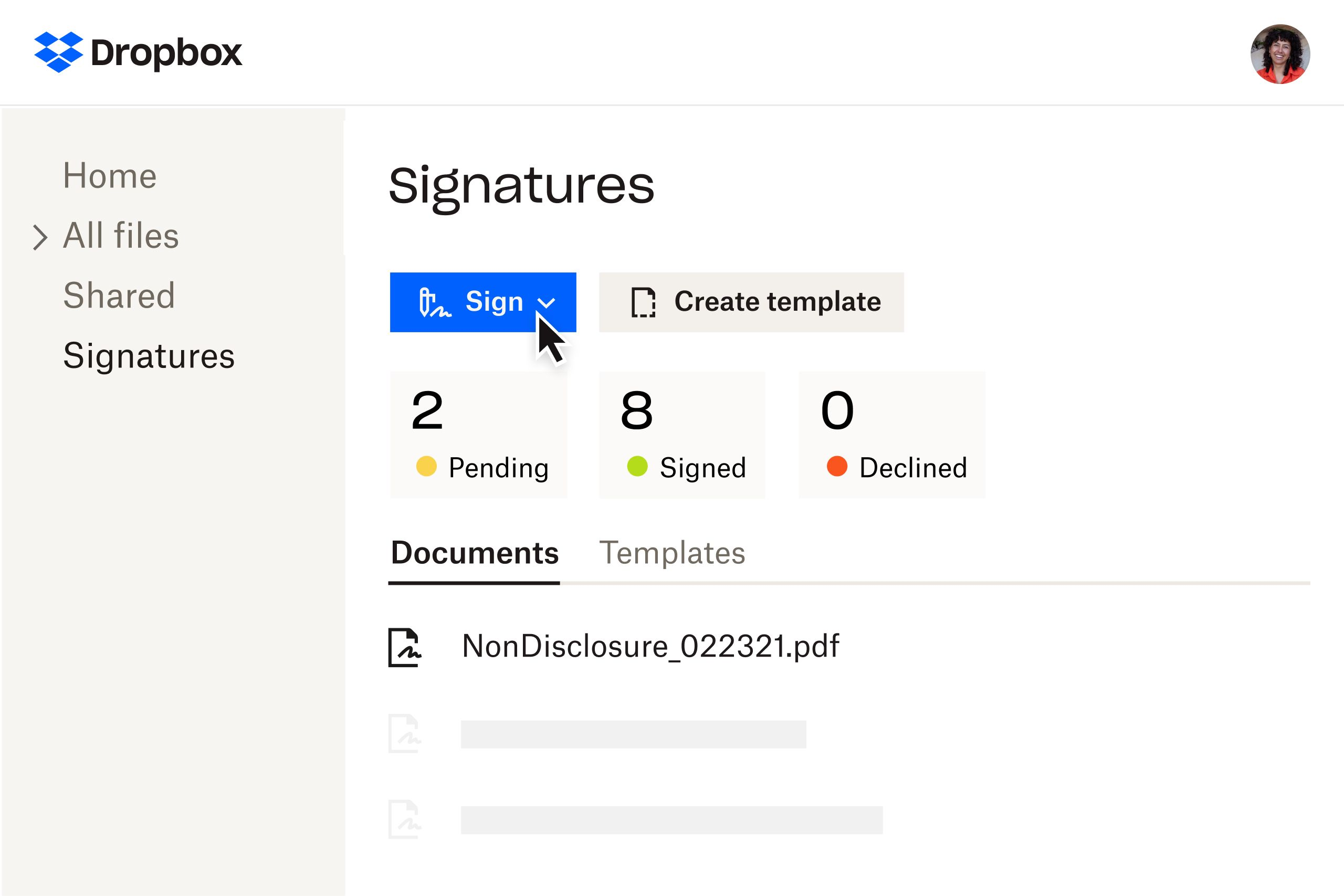
Dropbox Sign is one of the most refined signing experiences on the market and a natural fit if you already use Dropbox or Salesforce. The free plan covers 3 signature requests a month, and documents you sign yourself do not count against that limit.
Key features: reusable templates, custom and white-label branding, native Salesforce and CRM integrations, embedded signing via API, team roles, audit trails, secure storage, developer API.
✅ Pros
- "Very user-friendly interface, making signing documents easy and effortless." (Capterra)
- Reviewers report the single-flow process "noticeably reduced the time spent." (Capterra)
- Deep integrations, especially native Salesforce and the Dropbox ecosystem.
⚠️ Cons
- Limited form-field customization; one legal assistant cited trouble with "custom, fillable fields." (Capterra)
- Mobile experience reported as glitchy versus desktop. (Capterra)
- One user was temporarily blocked "for being suspected of spamming" while sending 10 to 14 contracts. (Capterra)
Pricing (2026):
| Plan | Price (annual) | Limits |
|---|---|---|
| Free | $0 | 3 requests/month |
| Essentials | $10.05/mo | 1 user, unlimited requests |
| Standard | $17.50/user/mo | 2-user minimum, unlimited |
| Premium | Custom | 5+ users |
Monthly billing: Essentials 25/user/mo. (Dropbox Sign)
User reviews: G2 4.7/5 (2,266) · Capterra 4.7/5 (1,447). (G2, Capterra)
Best for: Small-to-mid teams that want a polished, integration-rich signer and live in Dropbox or Salesforce.
3. SignWell (formerly Docsketch) — best cheap unlimited-document signing
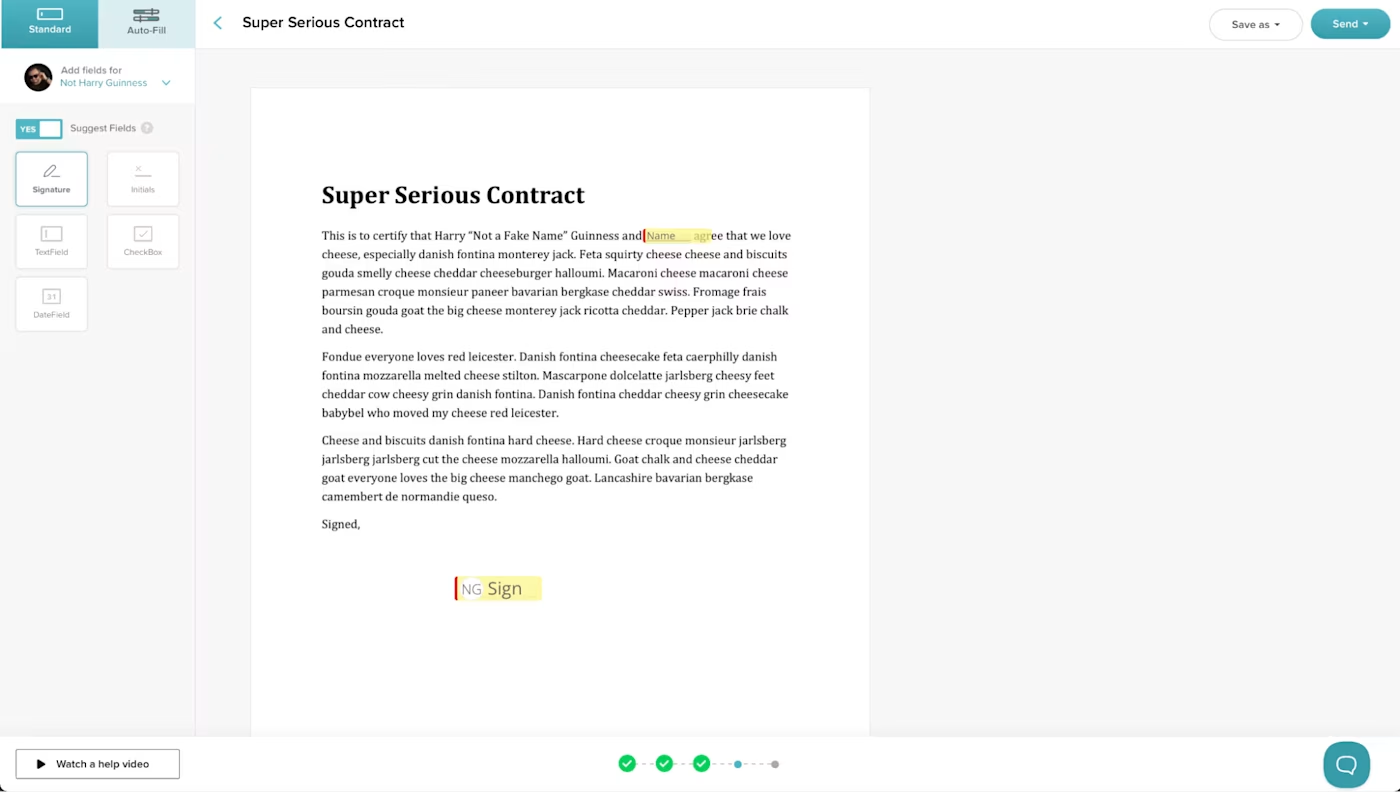
SignWell undercuts most rivals on price while giving you unlimited documents and unlimited signers on every paid plan. The free tier is 3 documents a month with a court-admissible audit trail.
Key features: unlimited documents and signers on paid plans, reusable templates, automatic signer reminders, court-admissible audit trail (ESIGN, UETA, eIDAS compliant), REST API with embedded signing, no contracts or cancellation fees.
✅ Pros
- "I was able to complete my first signature request without any assistance and in just a few minutes." (Capterra)
- Praised for "truly unlimited documents, even on Light" at a low price per sender. (Capterra)
- Responsive, helpful customer support is a recurring positive. (Capterra)
⚠️ Cons
- No in-app PDF editing after upload: "If you notice a typo after uploading, you cannot correct it within SignWell." (Capterra)
- Free plan caps you at 3 documents a month and 5 templates. (Capterra)
- Search and organization struggle at high document volumes. (Capterra)
Pricing (2026):
| Plan | Price (annual) | Limits |
|---|---|---|
| Free | $0 | 3 documents/month |
| Light | $10/mo | 1 sender, unlimited documents |
| Business | $30/mo | 3 senders, unlimited templates |
| Enterprise | Custom | Custom senders |
Monthly billing: Light 36/mo. (SignWell)
User reviews: G2 4.8/5 (442) · Capterra 4.9/5 (2,703). (G2, Capterra)
Best for: Individuals and small teams that want unlimited documents at the lowest paid price.
4. Signaturely — best for simple, no-frills small-team signing
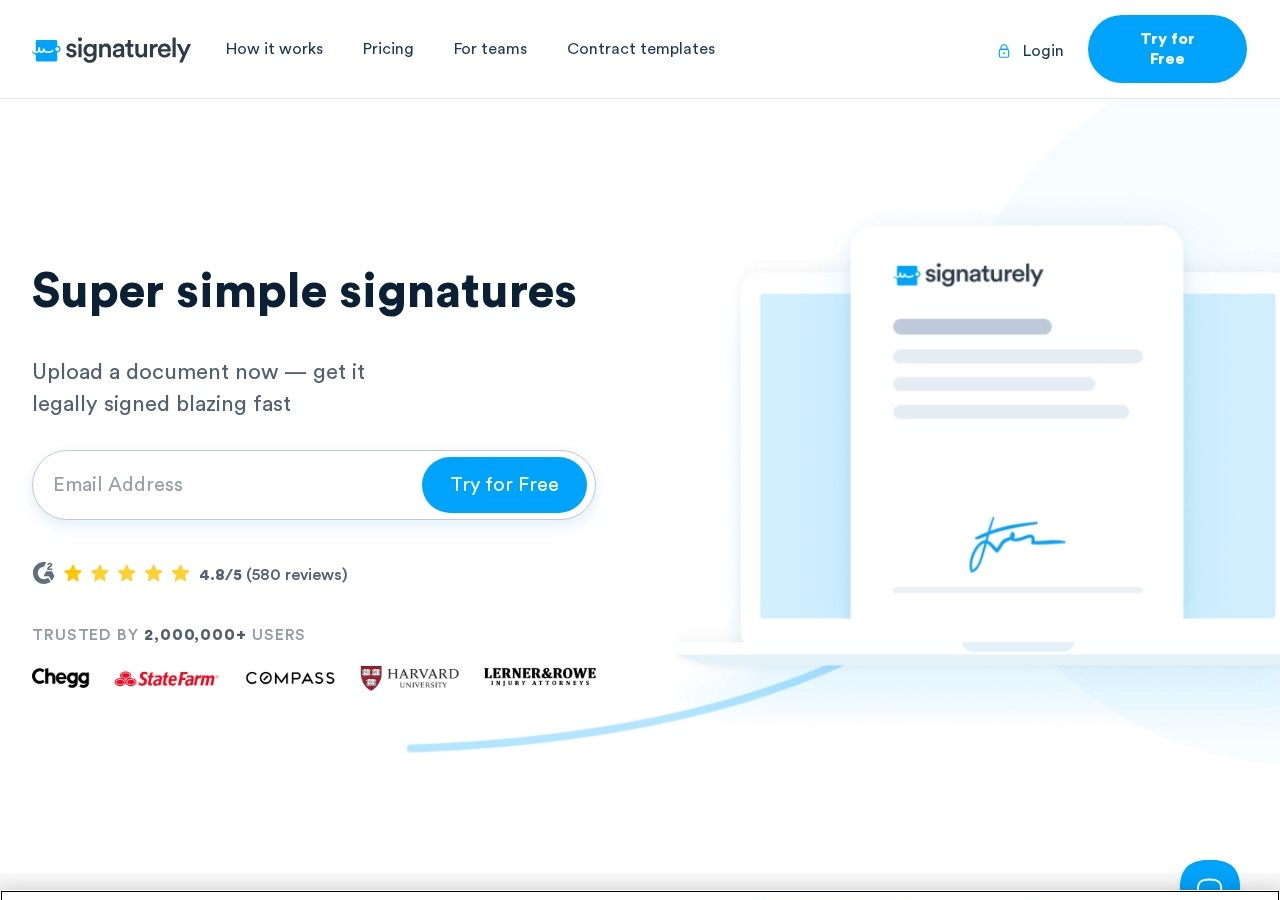
Signaturely keeps things deliberately simple and is frequently described as an easy DocuSign replacement. The catch is the thin free tier: just 1 signature request a month.
Key features: legally binding signatures with audit log, reusable templates, cloud-storage integrations (Google Drive, Dropbox, OneDrive, Box), automated reminders, team management, custom branding.
✅ Pros
- "The platform is incredibly user-friendly, integrates seamlessly with various document apps." (Capterra)
- "I love the tracking and reminder that enables me verify unsigned documents." (Capterra)
- Reviewers call it an "excellent evolving alternative for DocuSign." (Capterra)
⚠️ Cons
- "I least like the customer support." (Capterra)
- "You have to pay a monthly fee to use it" beyond the very limited free tier. (Capterra)
- "Very confusing trying to figure out how to request multiple signatures on the same document." (Capterra)
Pricing (2026):
| Plan | Price | Limits |
|---|---|---|
| Free | $0 | 1 request/month |
| Personal | $25/mo | 5 requests/month, 1 template |
| Business | $50/user/mo | Unlimited requests and templates |
User reviews: G2 4.8/5 (585) · Capterra 4.8/5 (361). (G2, Capterra)
Best for: Individuals and small teams who want the simplest possible signing flow and will pay for low volume.
5. Documenso — best modern open-source stack for developers
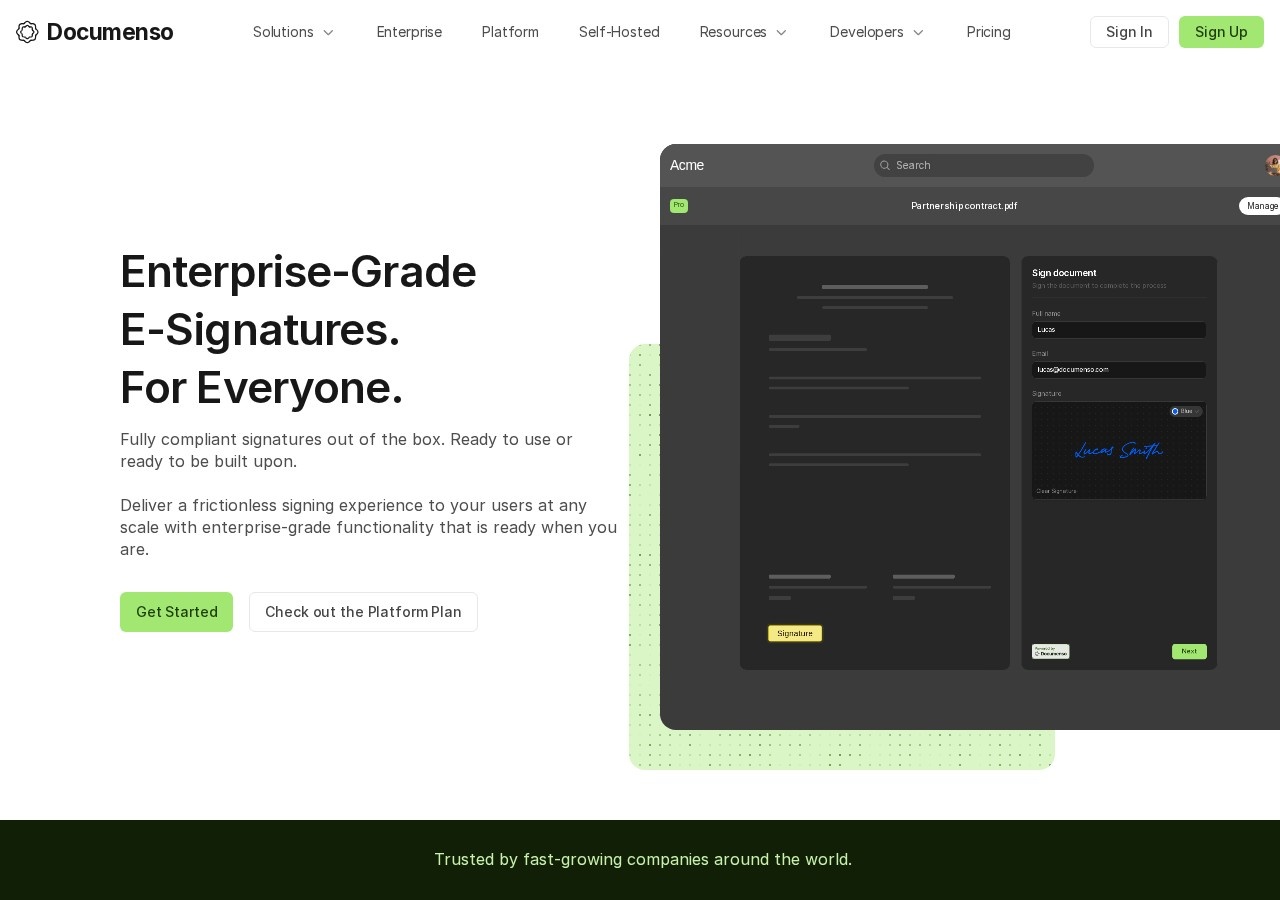
Documenso is the developer-favorite open-source signer (AGPL-3.0, 13.3k GitHub stars), built on a modern TypeScript and Prisma stack. Self-hosting is free with unlimited documents; the cloud free plan covers 5 documents a month.
Key features: open source and self-hostable (Docker in ~5 min), standards-based tamper-proof signatures, fine-grained permissions, API access and embedded signing, no per-signature pricing on paid cloud.
✅ Pros
- "A simple, fast signing tool that fits real contract workflows without much friction." (Product Hunt)
- "Intuitive UI, easy onboarding, flexibility, and the ability to integrate signing into existing processes." (Product Hunt)
- Modern, transparent, self-hostable architecture with strong privacy control.
⚠️ Cons
- "The UX felt a bit fidgety." (Product Hunt)
- Fewer prebuilt integrations than incumbents. (Product Hunt)
- Self-hosting gotcha: you must generate your own signing certificate or signing silently fails. (Documenso docs)
Pricing (2026):
| Plan | Price | Limits |
|---|---|---|
| Self-host (Community) | $0 | Unlimited documents |
| Cloud Free | $0 | 5 documents/month |
| Individual | $25/mo (annual) | Unlimited documents |
| Teams | $40/mo (annual) | 5 users included |
| Platform | $250/mo (annual) | White-label embedded signing |
User reviews: Product Hunt 5.0/5 (13 reviews); 2.0 launch earned 459 upvotes · GitHub 13.3k stars. (Product Hunt, GitHub)
Best for: Developer-led teams wanting a modern, self-hostable signing platform with no per-signature fees.
6. BoldSign — best affordable API-first option
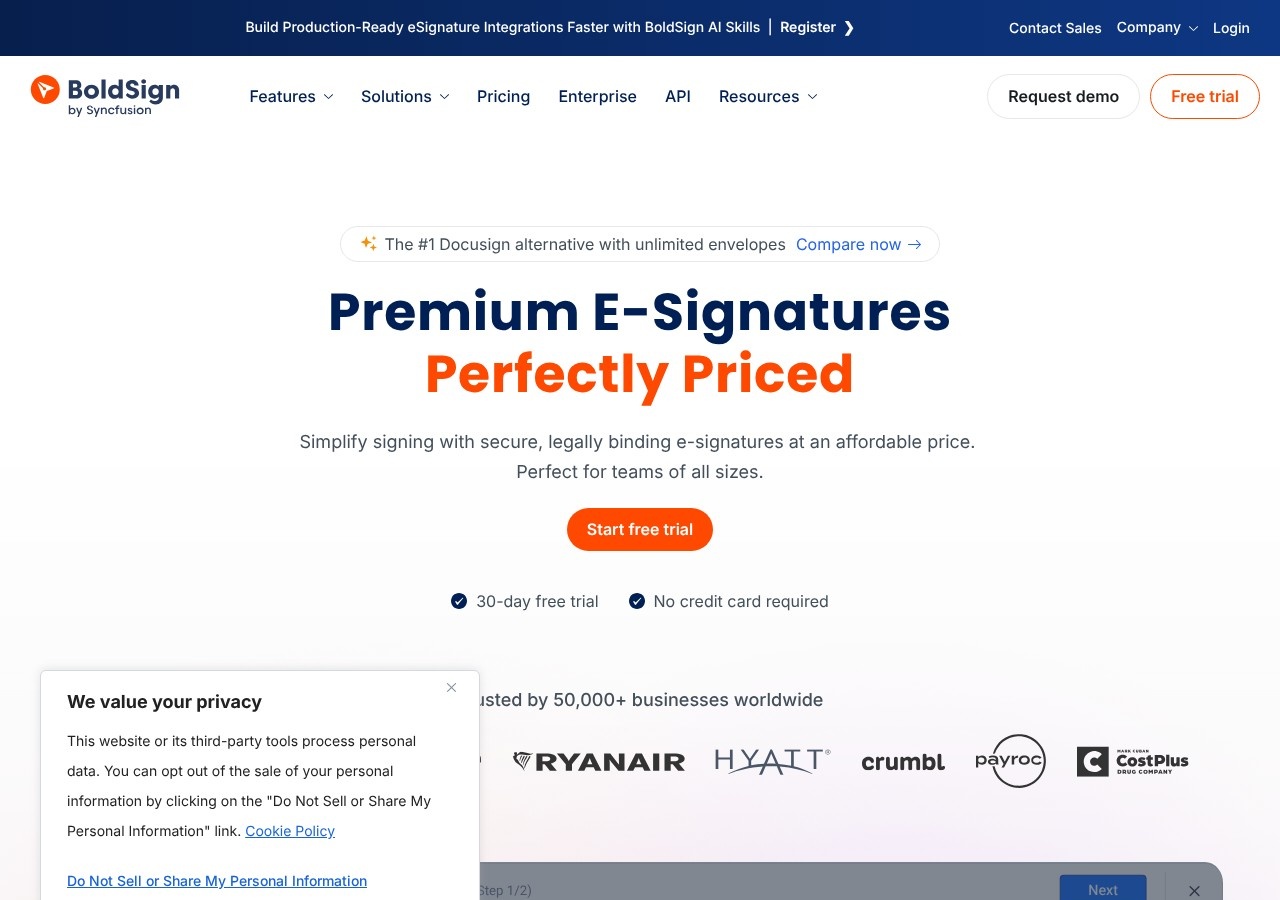
BoldSign is a developer-friendly, budget option with one of the more generous free tiers: 25 envelopes a month at 5 per user a month.
Key features: audit trail, AI-powered field detection (Business+), reusable templates, SMS and 2-step signer auth, in-person signing, bulk send, developer REST API with embedded signing and webhooks, HIPAA compliance and SSO (Business+), native mobile apps.
✅ Pros
- "Intuitive, modern interface makes creating, sending, and signing documents a seamless experience." (Capterra)
- Strong value: "practically the same product with better service at a nominal cost" versus competitors. (Capterra)
- Responsive support, "quick to reply, including across time zones." (Capterra)
⚠️ Cons
- Template management is "somewhat time-consuming" with large libraries. (Capterra)
- "Will glitch occasionally with signature requests," and email delivery sometimes fails. (Capterra)
- "Limited advanced document-management features" for specialized workflows. (Capterra)
Pricing (2026):
| Plan | Price | Limits |
|---|---|---|
| Essential | $0 | 25 envelopes/month, 1 user |
| Growth | $5/user/mo | 50 envelopes/month |
| Business | ~$15/user/mo | Unlimited envelopes, SSO, HIPAA |
| Enterprise API | $0.75/envelope | Minimum $30/month |
(BoldSign)
User reviews: G2 4.7/5 (~270) · Capterra 4.8/5 (77). (G2, Capterra)
Best for: Cost-conscious SMBs and developers who want an affordable, API-friendly signer.
7. PandaDoc — best for sales proposals and quotes, not just signing
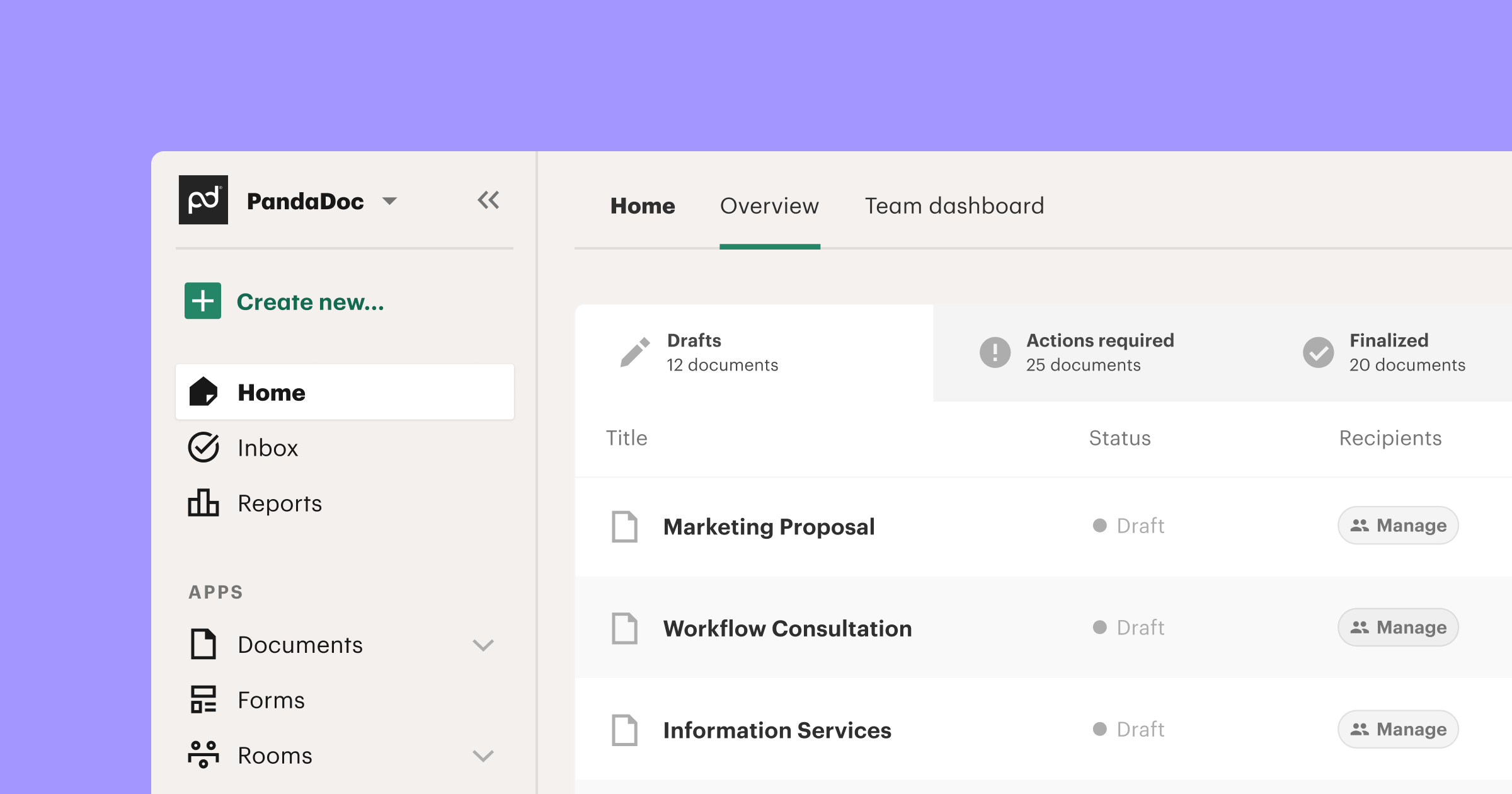
PandaDoc is less a pure e-signature tool and more a document-automation and proposal platform that includes signing. Its free eSign plan is solid for pure signing: up to 60 documents a year with unlimited seats.
Key features: drag-and-drop proposal editor with rich media, reusable templates and content library, real-time tracking, CRM integrations and branding (Business+), approval workflows and deal rooms, CPQ and smart content (Enterprise).
✅ Pros
- "It's made the sale closing process very simple for our team and taken away a lot of technical headaches." (Capterra)
- "A really professional way for me to dispatch out contracts." (Capterra)
- Strong for building and streamlining forms and proposals. (Capterra)
⚠️ Cons
- "Sometimes, the platform can feel slow, especially when handling larger documents." (Capterra)
- Unfamiliar recipients let documents "go unopened" or land in spam. (Capterra)
- "When it is working well, it is a great platform, but it is quite glitchy." (Capterra)
Pricing (2026):
| Plan | Price | Limits |
|---|---|---|
| Free eSign | $0 | 60 documents/year |
| Starter | $19/seat/mo (annual) | 110 documents/year |
| Business | $49/seat/mo (annual) | Unlimited documents, CRM |
| Enterprise | Custom | CPQ, SSO, API |
(PandaDoc)
User reviews: G2 4.7/5 (3,436) · Capterra 4.5/5 (1,249). (G2, Capterra)
Best for: Sales teams that need proposals, quotes, and CRM-integrated agreement workflows, not just a signature.
8. Foxit eSign — best compliance-heavy signing in the Foxit PDF stack
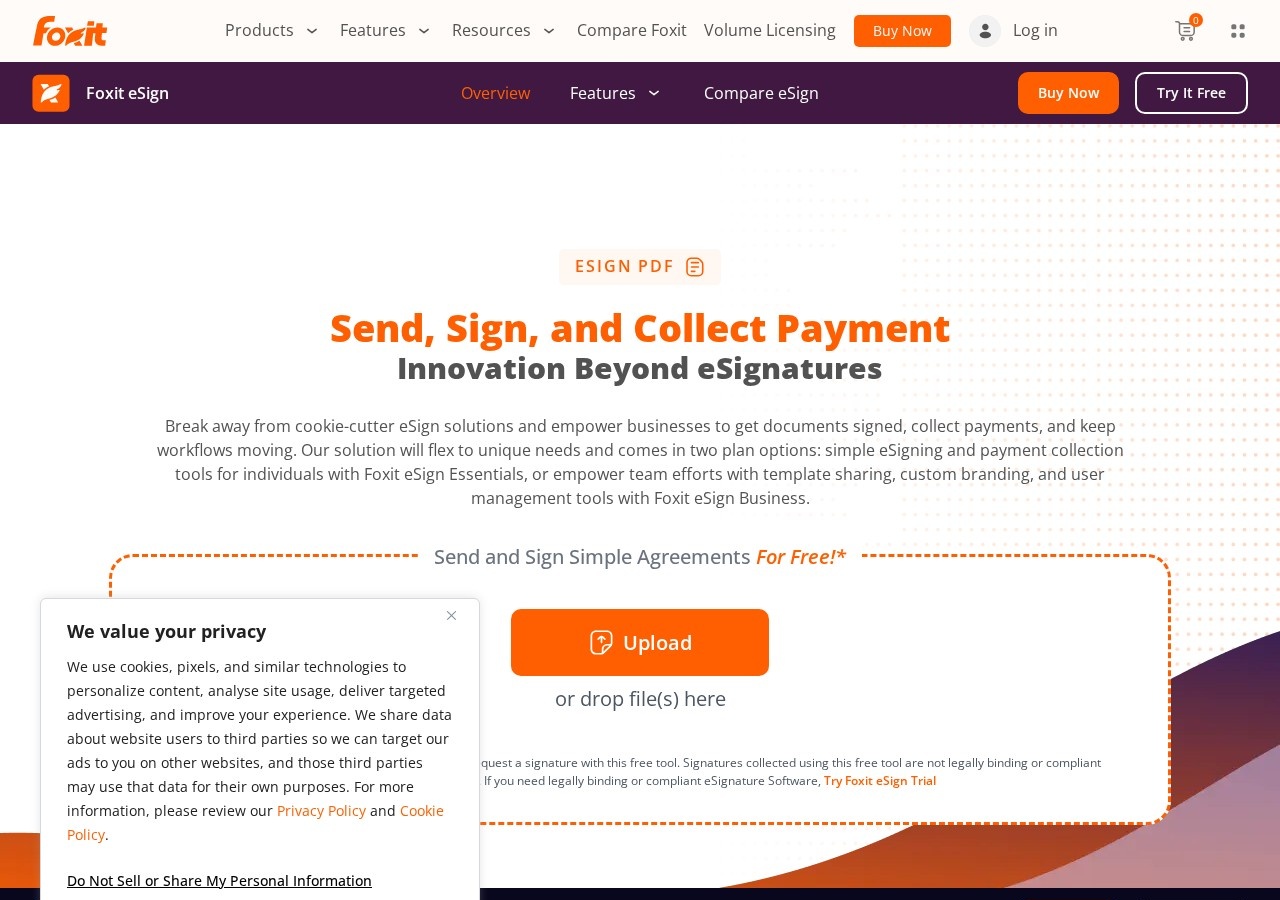
Foxit eSign is the signing arm of the Foxit PDF ecosystem, with a strong compliance story and a large review base. It offers a free tier plus unlimited-envelope paid plans.
Key features: legally binding eSignatures with broad compliance (Foxit claims HIPAA, eIDAS, ESIGN, UETA, FINRA, GDPR, SOC 2 Type 2), reusable templates, in-person and mobile signing, web forms, integrations (Teams, Dynamics, Zapier, Salesforce), payment collection and notary, API.
✅ Pros
- "This was actually easy to use," with minimal training needed. (Capterra)
- "Saves your time and money significantly" by removing print-and-scan. (Capterra)
- "A ton of features," including reminders and multi-party signing. (Capterra)
⚠️ Cons
- "Very glitchy" with connection problems at times. (Capterra)
- "Customer service is disorganised" with "outrageously long" phone waits. (Capterra)
- Limited customization for complex templates and advanced workflows. (G2)
Pricing (2026):
| Plan | Price | Limits |
|---|---|---|
| Free | $0 | Basic signing |
| eSign Essentials | ~120/yr) | 250 envelopes/year |
| eSign Business | ~300/yr) | 5-user minimum, unlimited envelopes |
| Enterprise | Custom | Custom workflows |
(Foxit)
User reviews: G2 4.6/5 (1,479) · Capterra 4.7/5 (698). (G2, Capterra)
Best for: Teams that want unlimited-envelope, compliance-focused signing inside the Foxit PDF ecosystem.
9. Adobe Acrobat Sign — best for teams already inside Adobe Acrobat
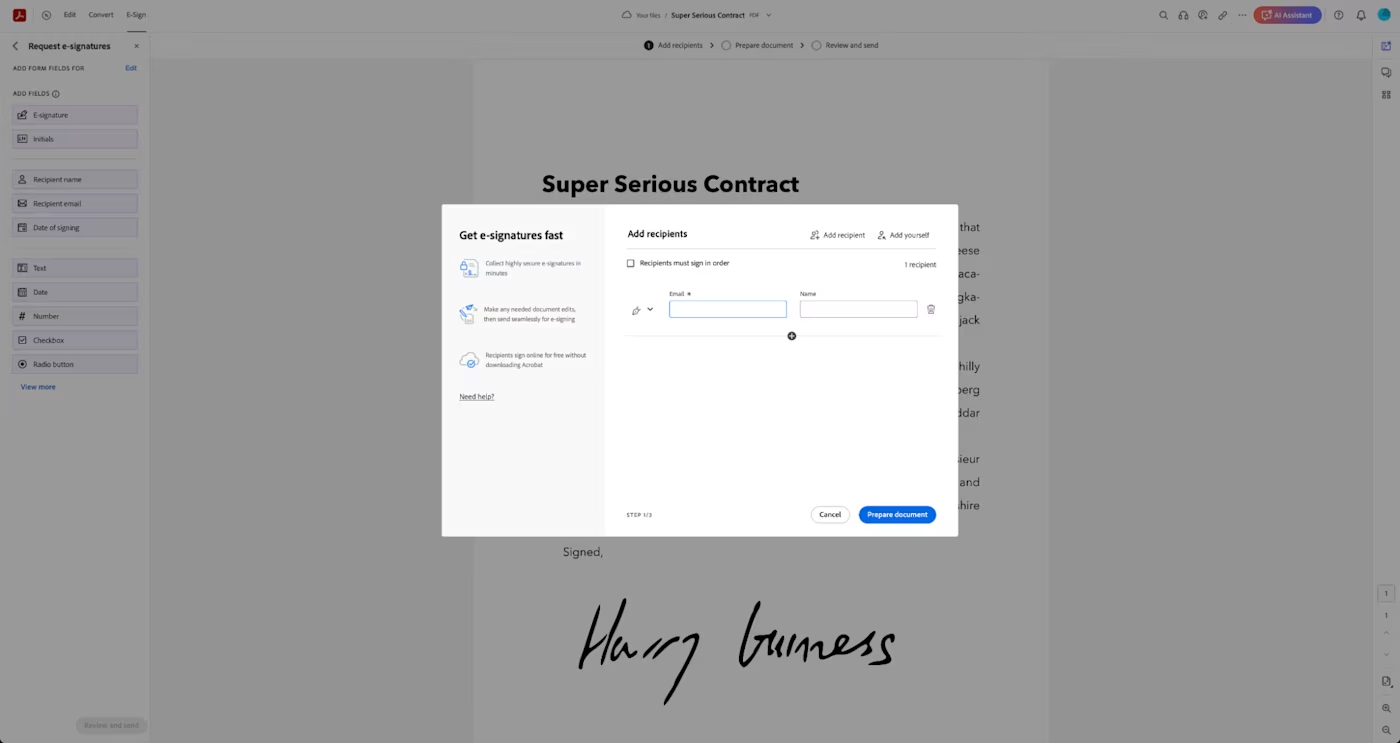
Adobe Acrobat Sign makes the list because it is bundled into Acrobat Pro, so millions of people already have it. Be clear-eyed, though: there is no permanent free tier, only a 30-day trial, and it is the most complex tool here.
Key features: send, sign, track and manage agreements with real-time status, reusable templates and web forms, Send in Bulk and custom workflows, audit trails, deep integrations (Salesforce, Workday, Microsoft 365), native Acrobat create-then-sign flow.
✅ Pros
- "Reduces turnaround time, improves visibility into document status, and minimizes errors." (G2)
- A "fraud-proof manner of executing documents" with strong audit trails. (G2)
- Long-term document storage and an interface new employees learn quickly. (Capterra)
⚠️ Cons
- Steep learning curve: "significant time investment before users feel comfortable." (G2)
- The most useful integrations are gated behind pricier multi-user plans. (G2)
- Subscription frustration: difficulty canceling, auto-renewal price hikes, early-cancellation fees. (Trustpilot)
Pricing (2026):
| Plan | Price (annual) | Limits |
|---|---|---|
| Trial | $0 | 30 days |
| Acrobat Standard | $12.99/user/mo | Includes e-sign |
| Acrobat Pro | $19.99/user/mo | Advanced e-sign |
| Acrobat Sign Solutions | Custom | Enterprise |
(Adobe)
User reviews: G2 4.4/5 (1,056) · Capterra 4.6/5 (~933 to 1,133). (G2, Capterra)
Best for: Organizations already paying for Adobe Acrobat that want compliance-grade signing inside it.
Full comparison table
| Tool | Pricing model | Free tier | Cheapest paid | Unlimited docs? | Self-host? | Rating |
|---|---|---|---|---|---|---|
| SignWith | Pay-per-document | 3 sigs/mo | $9 / 10 credits | Via $149 lifetime | No | Pay-per-doc |
| Dropbox Sign | Subscription | 3 req/mo | $10.05/mo | Yes | No | G2 4.7 |
| SignWell | Subscription | 3 docs/mo | $10/mo | Yes | No | G2 4.8 |
| Signaturely | Subscription | 1 req/mo | $25/mo | Business only | No | G2 4.8 |
| Documenso | Open-source | Self-host | $25/mo | Yes (self-host) | Yes | PH 5.0 |
| BoldSign | Subscription + API | 25 env/mo | $5/user/mo | Business+ | No | G2 4.7 |
| PandaDoc | Subscription | 60 docs/yr | $19/seat/mo | Business+ | No | G2 4.7 |
| Foxit eSign | Subscription | Free tier | ~$10/mo | Business+ | No | G2 4.6 |
| Adobe Acrobat Sign | Subscription | 30-day trial | $12.99/mo | Transaction caps | No | G2 4.4 |
The pay-per-document math: how much you actually save
The single biggest reason to leave DocuSign is cost on low-to-medium volume. Here is the worked math so you do not have to do it.

Scenario A — A freelancer signing about 10 documents a month (120 a year):
- DocuSign: 10/month exceeds the Personal plan's 5-envelope cap, so you need Standard at 360/year**.
- SignWith: 3 free each month covers 36; the remaining 84 at the 48.72/year**.
- **You save roughly 149 lifetime plan once and pay nothing again.
Scenario B — A landlord or contractor signing about 2 documents a month (24 a year):
- DocuSign: Personal plan at 132/year**.
- SignWith: 24 documents fit inside the free 36-per-year allowance = $0.
- You save the full $132 a year.
Scenario C — A small team sending 30+ documents a month:
- Here the math flips. At high, steady volume an unlimited-document subscription like SignWell ($30/month annual) is usually cheaper than buying credits. Pick pay-per-document for variable or low volume; pick a flat subscription for high, predictable volume.
Practical rule: Pay-per-document wins below roughly 25 documents a month. A flat unlimited subscription wins above it. Be honest about your real volume, not your busiest month.
How to choose: a quick decision guide

Use-case cheat sheet
| Your situation | Best choice | Why |
|---|---|---|
| Business that just wants simple e-signing | SignWith | No subscription; pay only when you sign |
| Landlord signing leases without the overhead | SignWith | Low volume fits the free tier or cheap credits |
| Startup sending 40+ docs a month | SignWell | Unlimited documents at the lowest flat price |
| Sales team sending proposals | PandaDoc | Proposal editor + CRM, not just signing |
| Agency in the Salesforce/Dropbox stack | Dropbox Sign | Native integrations and polished UX |
| Privacy-sensitive or regulated team | Documenso | Self-host and own your data |
| Developer embedding signing in an app | BoldSign / Documenso | Affordable API and embedded signing |
| Heavy Adobe Acrobat user | Adobe Acrobat Sign | Already bundled into Acrobat Pro |
Frequently asked questions
Which DocuSign alternative is completely free?
Documenso is free to self-host with no document limits because it is open source. Among hosted tools, SignWith gives 3 free signatures every month with no subscription, and Dropbox Sign and SignWell each give 3 free documents a month.
Is there a free DocuSign alternative with no monthly fee at all?
Yes. SignWith uses a pay-per-document model, so there is no monthly fee. You get 3 signatures free each month and buy credit packs only when you need more, or pay $149 once for unlimited lifetime use.
Are e-signatures from these tools legally binding?
Yes. Every tool in this guide produces legally binding electronic signatures with an audit trail. In the United States, e-signatures are valid under the ESIGN Act and UETA. SignWith is compliant in the US with ESIGN/UETA.
Is it hard to switch from DocuSign?
No. For most people, switching means uploading your document to the new tool and sending it for signature. Tools with templates let you rebuild your repeat documents once and reuse them.
When is pay-per-document cheaper than a subscription?
Roughly below 25 documents a month. At low or variable volume, paying per document (SignWith) costs far less than a flat monthly subscription. Above that volume, an unlimited-document plan like SignWell becomes cheaper.
What is the cheapest paid e-signature subscription?
BoldSign at 10 a month on annual billing.
The bottom line
DocuSign is powerful, but most people who leave it are not leaving the signing experience. They are leaving the subscription model: the recurring fee, the envelope caps, the overage charges, and the renewal friction. The right alternative depends on how you actually sign.
If your business just wants simple e-signing without the intensity of a full platform, SignWith is the cleanest fit because you pay per document, not per month. If you sign constantly, SignWell or Dropbox Sign give you unlimited documents cheaply. If you want to own your data, Documenso is free to self-host. Match the model to your volume and you will spend less and cancel nothing.
Ready to stop paying a subscription to sign? Get 3 free signatures with SignWith - no credit card, no monthly fee.
Related reading

Written by
Ayush Garg
Founder, SignWith
Ayush is the founder of SignWith, the pay-per-document e-signature tool for businesses that just want documents signed without the intensity of a full platform. He has 6+ years of experience running SaaS and service businesses and writes about e-signatures, document workflows, and lean software.